
Company Monitoring: How to Get Alerts on Directors, Filings and Changes
To monitor a UK company for changes, the simplest free option is the Companies House "Follow this company" feature, which emails you when that company files accounts or a confirmation statement, or changes its directors or registered office. For watching many companies, spotting patterns, or turning changes into sales or risk signals, you need a more systematic approach. Here is the full range, from free to advanced.
Why monitor companies at all
Change is signal. A director appointment, a new charge, a filed set of accounts or a shift in ownership each tells you something — that a budget has opened, an investment has landed, a risk has appeared, or an opportunity has arrived. Monitoring is how you act on those events while they are fresh, rather than discovering them months later.
Three groups get the most value:
- Sales and BD teams — trigger events mark buying windows.
- Accountants and advisers — client and prospect changes prompt timely outreach.
- Risk, credit and procurement — supplier or customer changes flag exposure.
The free option: Follow this company
Companies House offers a free Follow service. Find a company on the register, open its overview, and click "Follow this company". You will then get email alerts when it files key documents or changes officers or its registered office — and the company is never told you are following it. To stop, click "Unfollow".
It is genuinely useful for a handful of companies you care about. Its limits are scale and intelligence: you follow companies one by one, you only get what that single company files, and there is no filtering, scoring or cross-company pattern detection.
Monitoring at scale
When you need to watch a sector, a region or a whole prospect list, the manual approach breaks down. A monitoring layer on top of the register lets you:
- Watch by criteria, not just by name — for example all new technology companies in Scotland, or director changes across your client base.
- Filter the noise — only the event types that matter to you.
- Spot cross-company patterns — a director appearing across several new companies, or a wave of formations in a sector.
- Route signals into your workflow — so the right person sees the right change in time.
CompaniesIQ is built around this idea of turning the live register into trackable signals; see the search and the signals themes for how events are surfaced by topic.
The events worth watching
Not every filing matters. The high-signal events are:
- Director appointments and resignations — leadership and budget change.
- PSC changes — ownership shifts, often investment. See who owns a company.
- Charges and mortgages — borrowing and capital deployment.
- Accounts and confirmation statements — trading status and health. See how to read filing history.
- New incorporations in your target sector or region — the freshest opportunity of all.
Build a monitoring routine
Whether free or systematic, monitoring works best as a habit: define the companies or criteria you care about, choose the event types that matter, and set a regular rhythm for acting on what comes in. The data is public and the alerts are available — the discipline is in turning them into timely action.
Frequently asked questions
Can I get alerts when a company changes its directors?
Yes. The free Companies House 'Follow this company' feature emails you when a company changes directors or its registered office, or files accounts or a confirmation statement. For many companies at once, use a monitoring platform.
Is Companies House company monitoring free?
Yes. The 'Follow this company' service is free and the followed company is never notified. It works company by company; watching by sector or region at scale needs a dedicated tool.
What company changes are worth monitoring?
High-signal events: director appointments and resignations, PSC (ownership) changes, charges and mortgages, accounts and confirmation statements, and new incorporations in your target sector or region.
How do I monitor many companies at once?
Use a platform that sits on the live register and lets you watch by criteria — sector, region, event type — rather than following each company by hand, and routes the alerts into your workflow.
More insights
.png)
Company Director Search UK: How to Find Directors (and What the Record Shows)
How to find the directors of any UK company, what the public record reveals about each one, and how to use officer data for research, due diligence and prospecting.
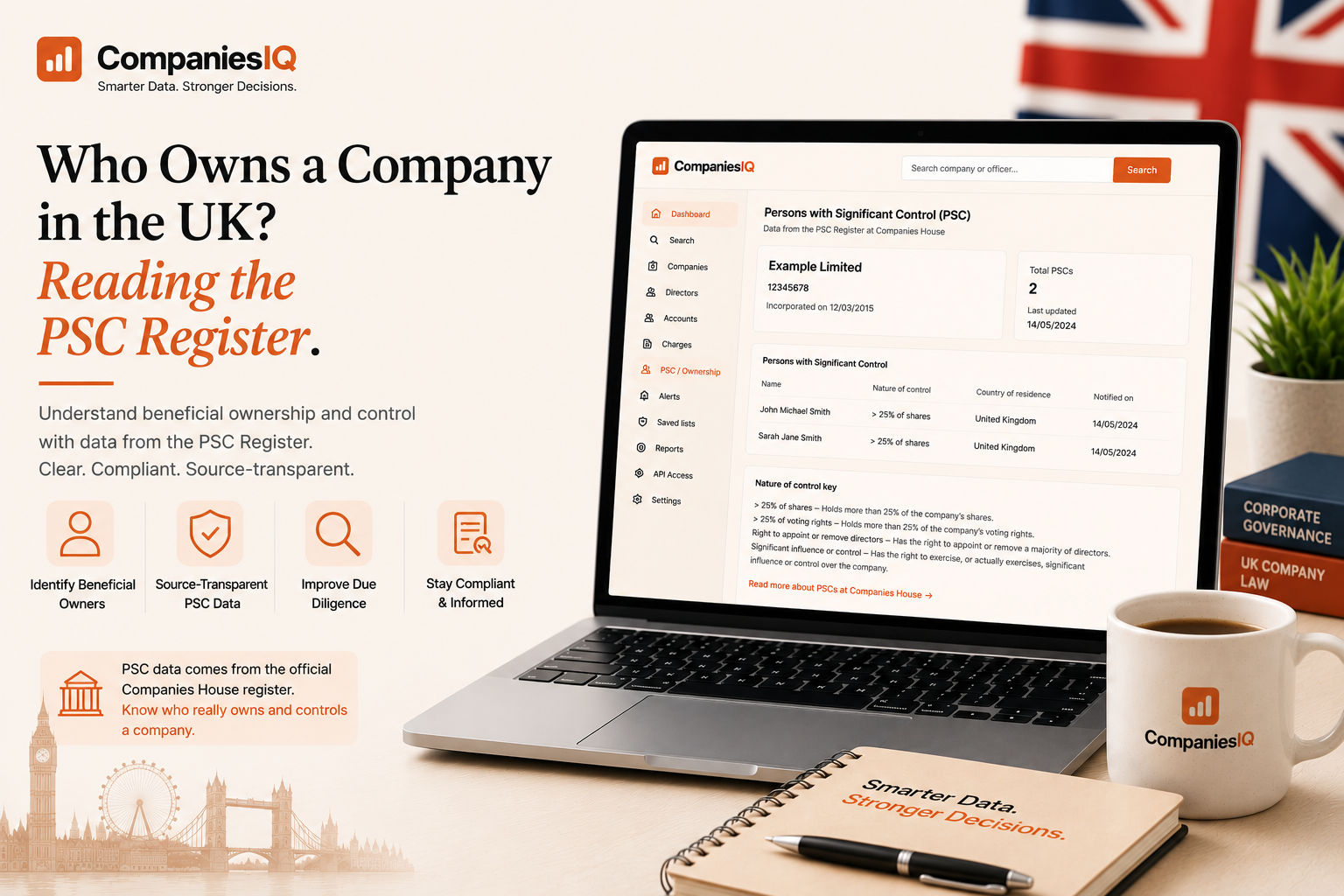
Who Owns a Company in the UK? Reading the PSC Register
How to find out who really owns and controls a UK company using the People with Significant Control register — what it shows, its thresholds, and its limits.
.png)
How to Read a Company's Filing History (Accounts, Confirmation Statements & More)
A plain-English guide to reading a UK company's filing history on Companies House — what accounts, confirmation statements, charges and other filings actually tell you.
Go from reading to research
Create a free account to read a full company intelligence report, or upgrade for unlimited access.